
Customer support
Answer account, policy, and setup questions from the context you provide.
AI answers, embedded on your site
Turn your business context into a branded assistant for product, sales, and support questions, then ship it with one script tag.

Use cases
Create separate widgets for support, pre-sales, or product guidance. Each widget can use its own context and instructions.
Answer account, policy, and setup questions from the context you provide.
Explain product fit, requirements, and setup.
Guide visitors through features and installation.
Setup
Add what the assistant should know, match it to your site, then copy the generated script tag.
Provide the business context for this widget. Add instructions for tone, behavior, and how to handle questions that the context does not answer.
Business context
WidgetAI helps websites answer visitor questions.
Each assistant uses the business knowledge configured for that widget.
Installation uses a generated JavaScript embed tag.
Instructions
Choose the primary color, panel background, launcher position, and offsets.
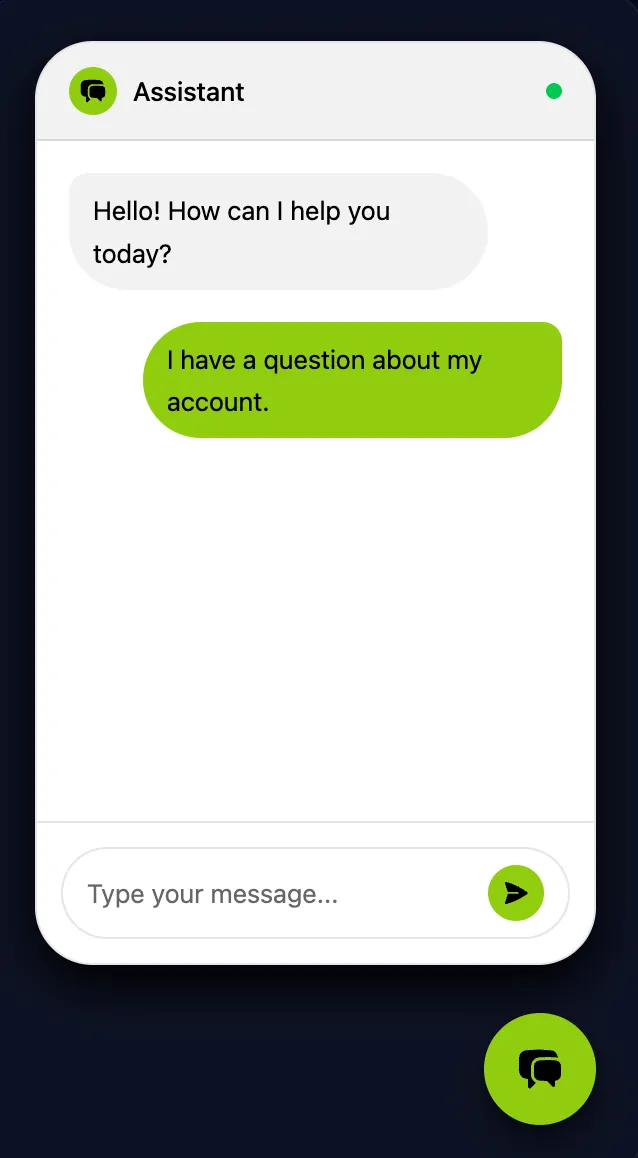
Paste the JavaScript tag into your site. The embed works independently of your frontend framework.
<script
  src="https://api.widgetai.dhibi.tn/widget/embed.js"
  data-widget-id="widget_xxxxxxxx"
></script>Widget settings
Set its knowledge, instructions, appearance, domain access, and AI provider from the dashboard.
Add the business context used for answers.
Business contextDefine tone, behavior, and response style.
Response rulesChoose colors, launcher position, and offsets.
Color and placementKeep the widget public or restrict it to approved sites.
Public or restrictedUse WidgetAI-managed AI or connect OpenRouter and select a model.
Managed or OpenRouterFAQ
Need something more specific? Email us and we’ll help you decide whether WidgetAI fits your site.
Contact supportYour context. Your rules. Your website.
Create the widget, add your business context, and ship it with one tag.
Create your widget